
 1 Tahun – RM110
 Add RM5 per branch (if applicable)
Renewal SSM Online – Step-by-Step Guide to Renew Your Business Registration (SSM Malaysia)
Renewal SSM Online (Companies Commission of Malaysia) business registration is essential to keep your business active, valid, and legally recognized. You can now renew SSM online easily through the EzBiz SSM portal by following these simple steps.
1. Business Registration Renewal
SSM renewal applications can be done online for a period of 1 to 5 years per renewal.
⚠️ Note: If your business registration has expired for more than 12 months, it cannot be renewed — you will need to register a new business instead.
2. Fill in the Renewal Form
Complete the renewal form with accurate and updated business information. Make sure all required details are provided correctly to avoid delays.
3. Verify & Submit Renewal Application
After filling in the renewal form, review all the details carefully before submitting.
Once submitted, the system will process your renewal and update your business information in the SSM database.
💡 Tip: Renew within the valid period to avoid penalties and ensure compliance with Malaysian business laws.
4. Receive Your Updated SSM Certificate
Once your renewal is approved, you will receive:
-
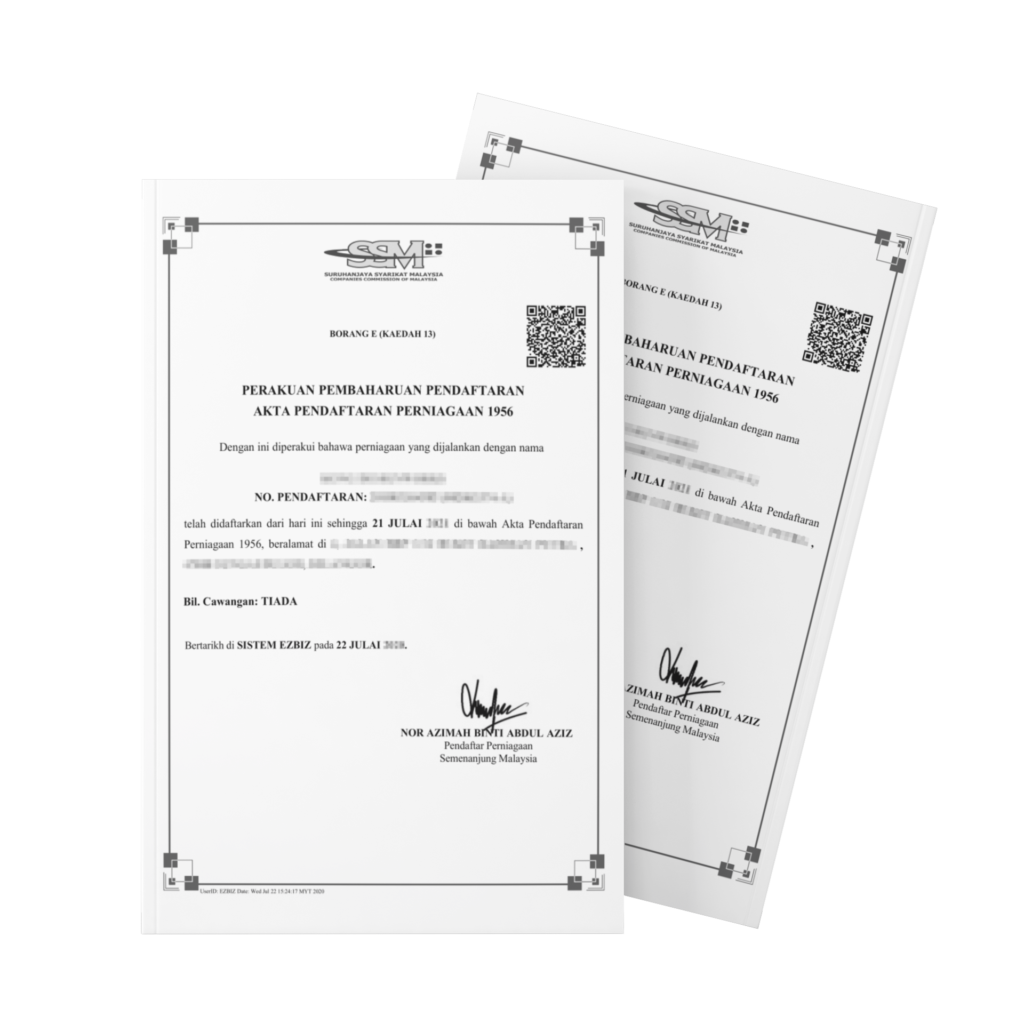
SSM Business Registration Certificate (PDF format)
-
Updated Business Information (PDF format)
Both documents will be sent to your email and WhatsApp for your convenience.
5. Using EzBiz SSM Account
All online renewal applications must be made using an EzBiz SSM account.
-
If you don’t have an EzBiz account, our team can help create one using your registered email and a copy of your IC (Identification Card).
-
To activate your EzBiz ID, you will need to verify your fingerprint at any SSM kiosk (we’ll provide a list of locations after registration).
If You Already Have an EzBiz Account
-
Check your email for your username and temporary password.
-
Share your login credentials with our staff to proceed with the renewal process.
-
If you can’t access your email, please update your email details at the nearest SSM counter.
-
If your ID is not yet activated, perform fingerprint verification at any SSM kiosk.
⏱ Approval time: 10–30 minutes (our staff may contact you if additional details are required).
Important Notes
-
This renewal service is only for Sole Proprietorship and Partnership (ROB) businesses.
-
Sdn. Bhd., PLT (LLP), clinics, law firms, and businesses registered in Sabah or Sarawak cannot use this form.
-
SSM’s online renewal system may be updated from time to time — always refer to the latest official guidelines on the SSM website.
If you need assistance with your SSM renewal, contact us or WhatsApp our support team for quick help from experienced staff.